EchoOne power Cable Installation for DJI M300/M350

RESEPI User Manual

INTRODUCTION #

As EchoOne has a larger power requirement than standard power configuration delivered by the default power port on the DJI M300/350, an additional power cable is required to satisfy the requirement and power the scanner. This guide will help you in connecting the cable correctly on the UAV to work with EchoOne
STEPS TO CONNECT THE ECHOONE POWER CABLE #

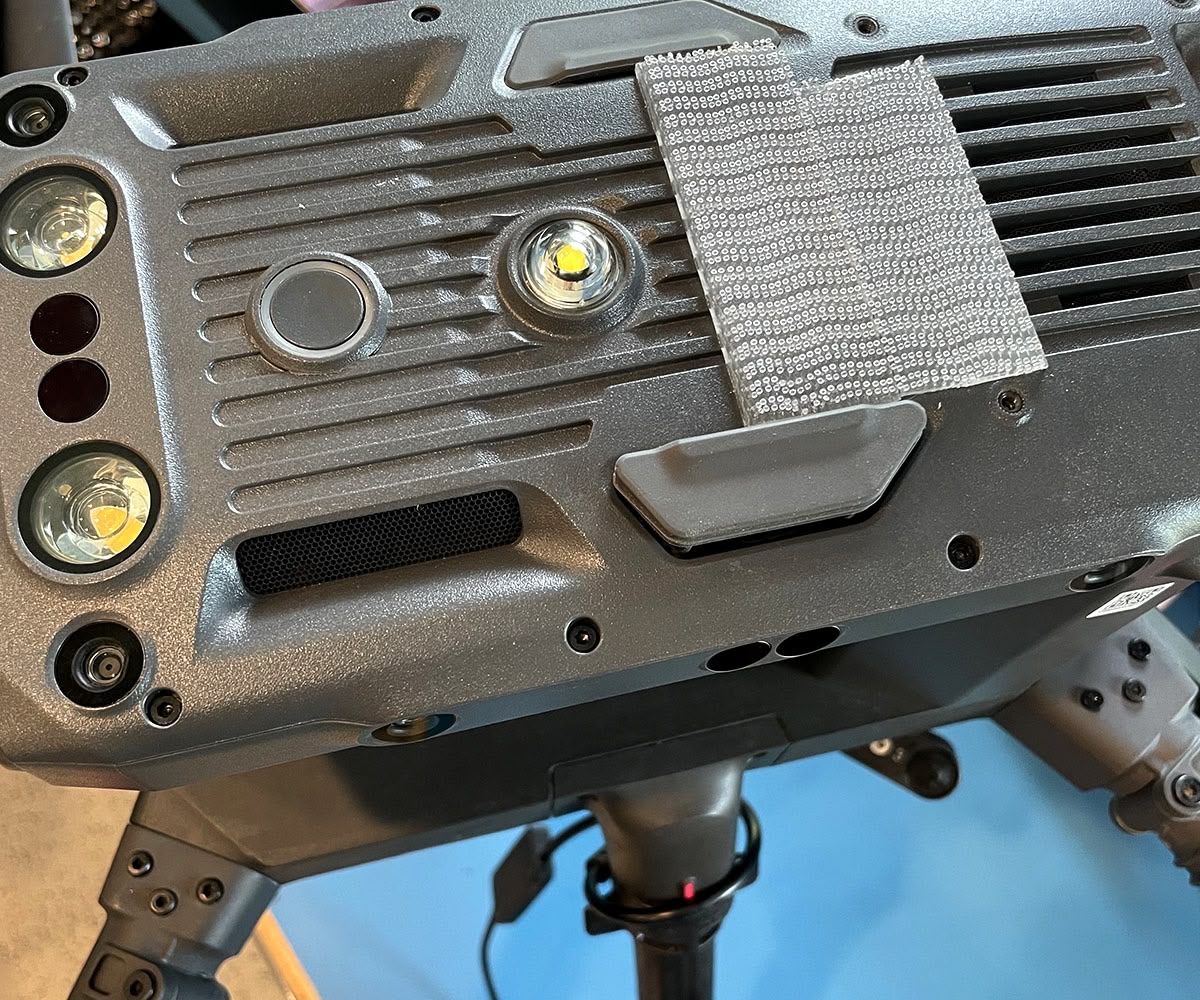
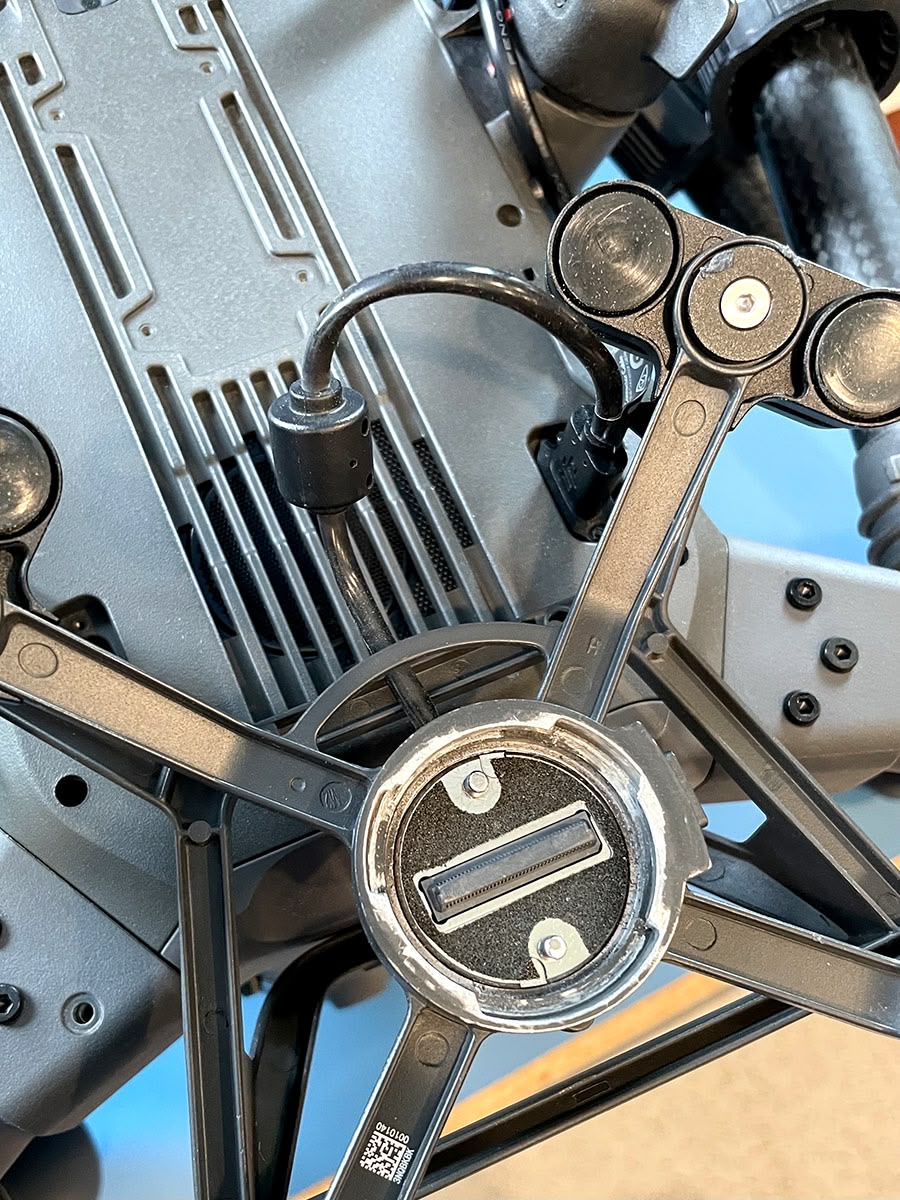
Step 1 : Locate the Gimbal and the Gimbal power cable and disconnect it from the underside port.

Disconnecting DJI gimbal power cable from underside port
Step 2a
Disconnecting DJI gimbal power cable from underside port
Step 2b

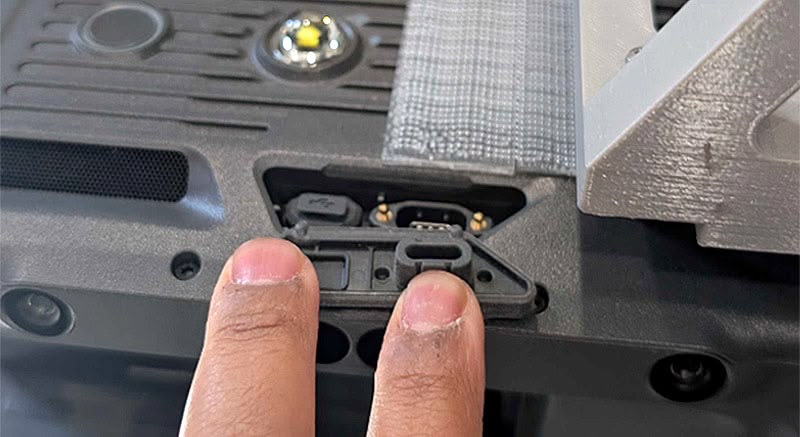
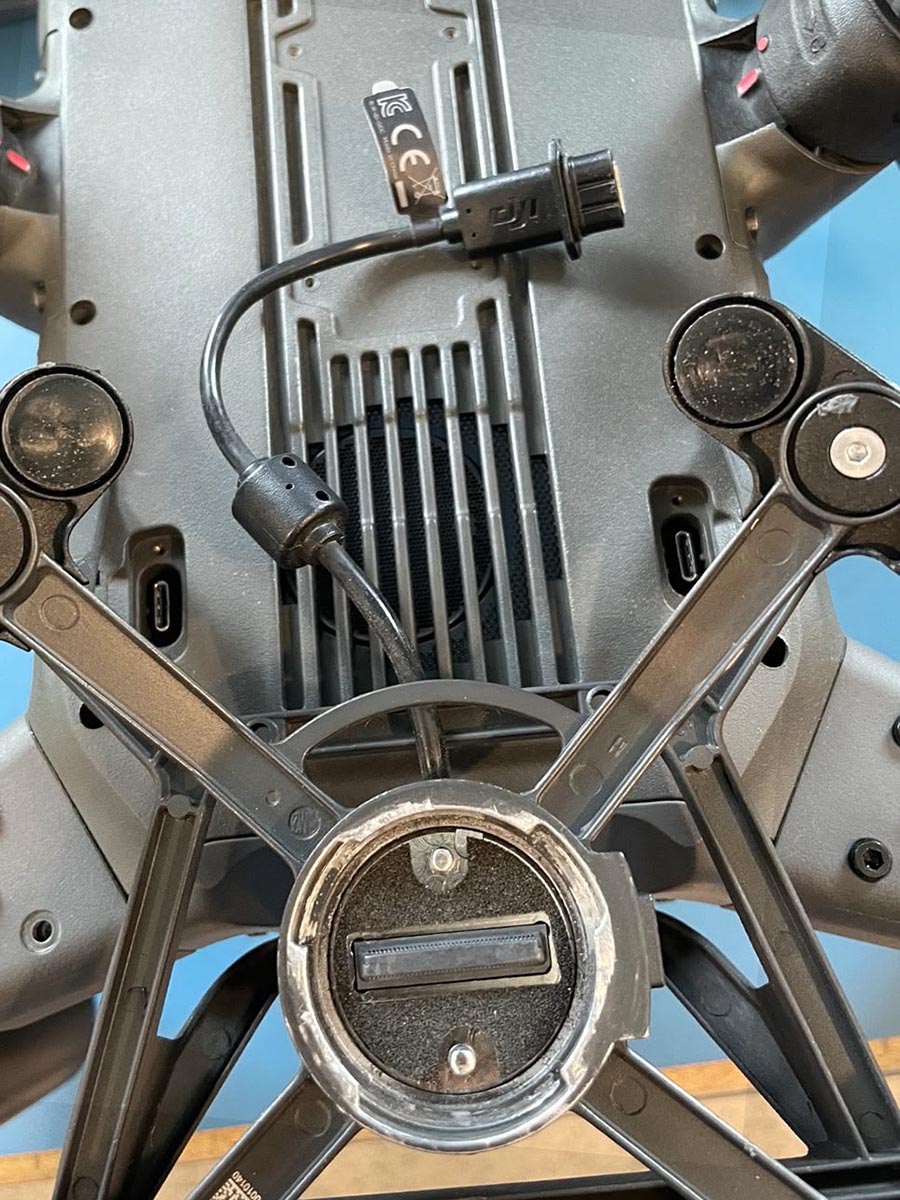
Step 2 : Locate the extra power port on the top of the DJI M300/350

Locating extra power port
Step 2a
Locating extra power port
Step 2b

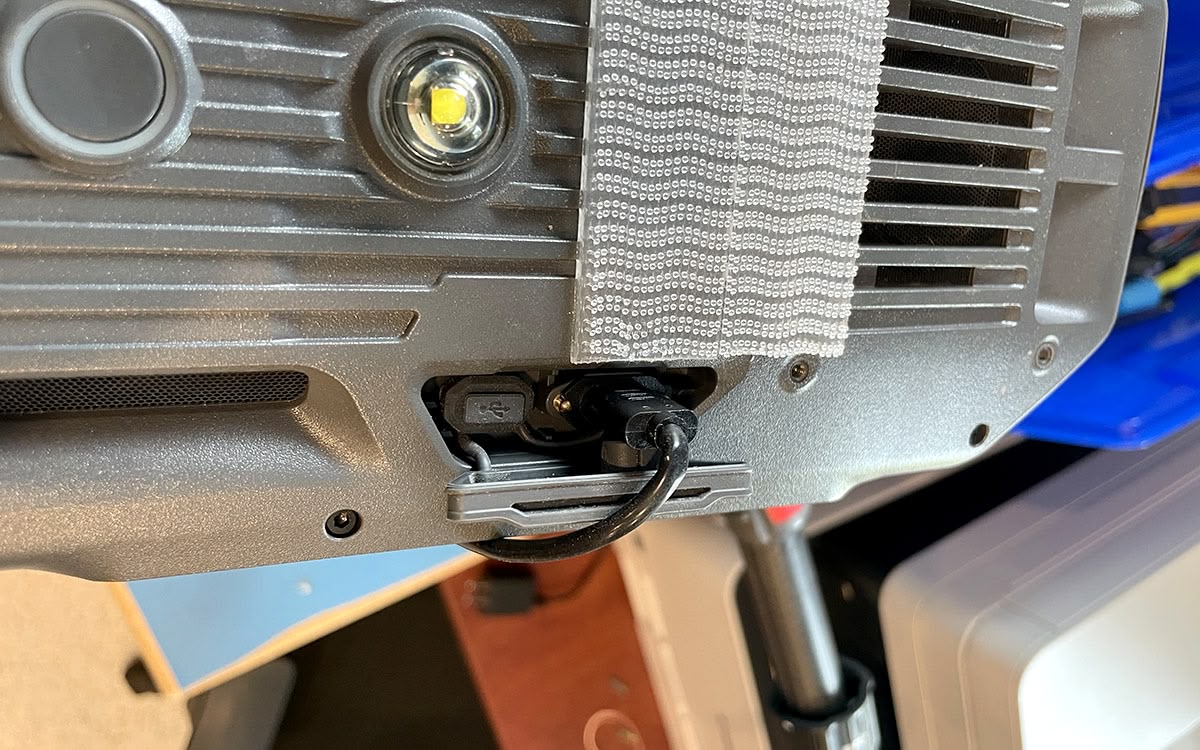
Step 3 : Connect the EchoOne Power cable (CMP05151) to the top port

Connecting RESEPI CMP05151 cable to DJI top power port
Step 3

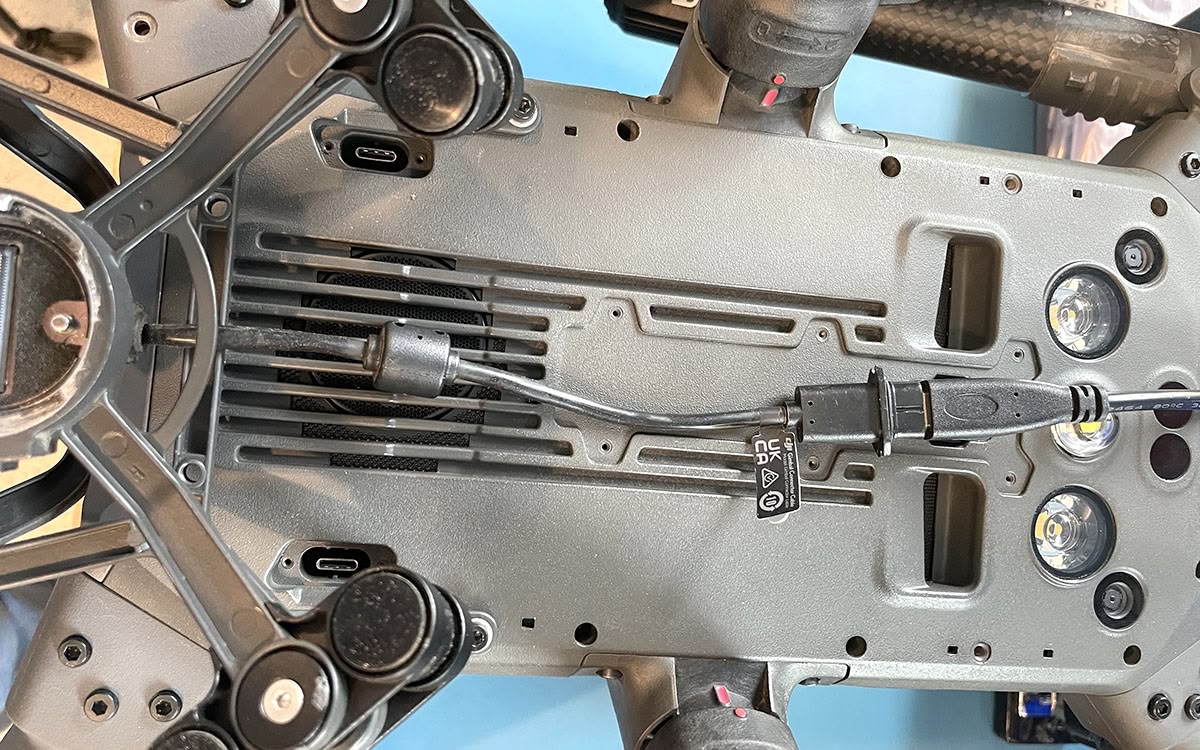
Step 4 : Connect the EchoOne Cable (CMP05151) male part to the female part of the disconnected gimbal cable

Connecting CMP05151 cable male part to DJI female gimbal cable
Step 4

Step 5 : You are good to fly. Please make sure the cable is tightly wound around the legs of the UAV and isnt hanging around.